◆DR FILL
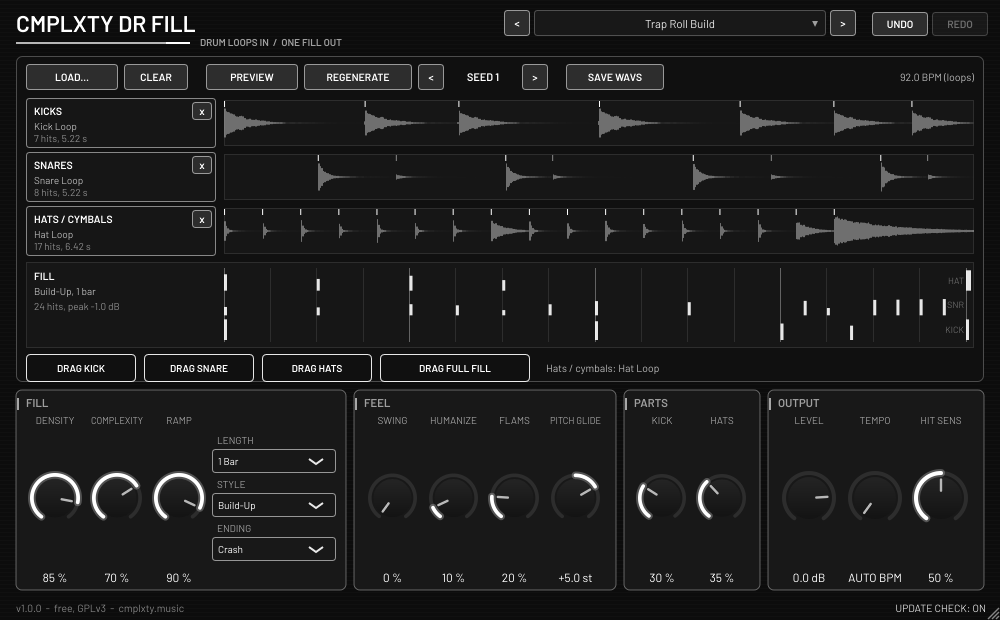
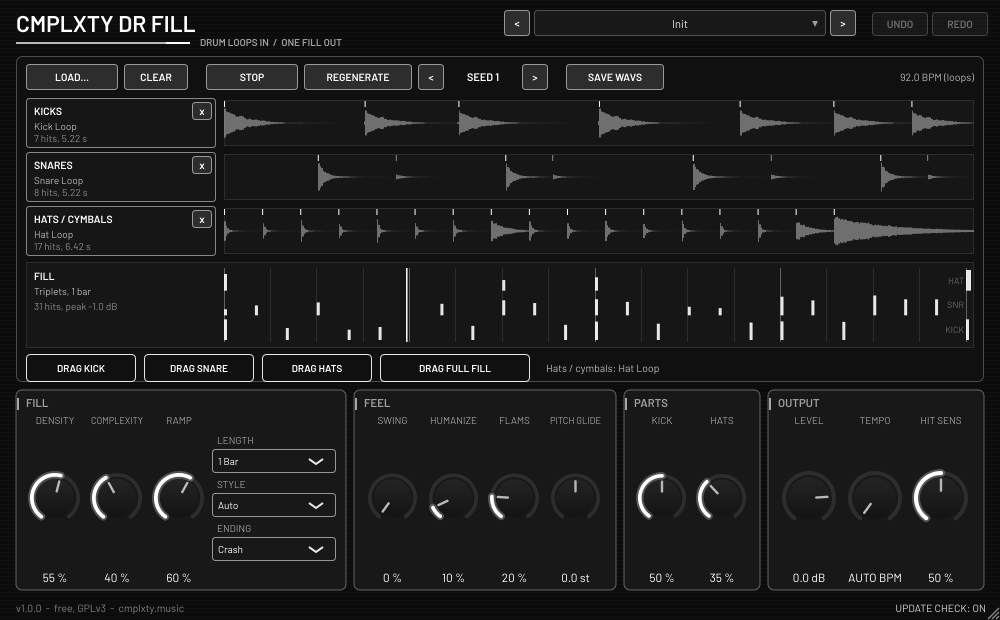
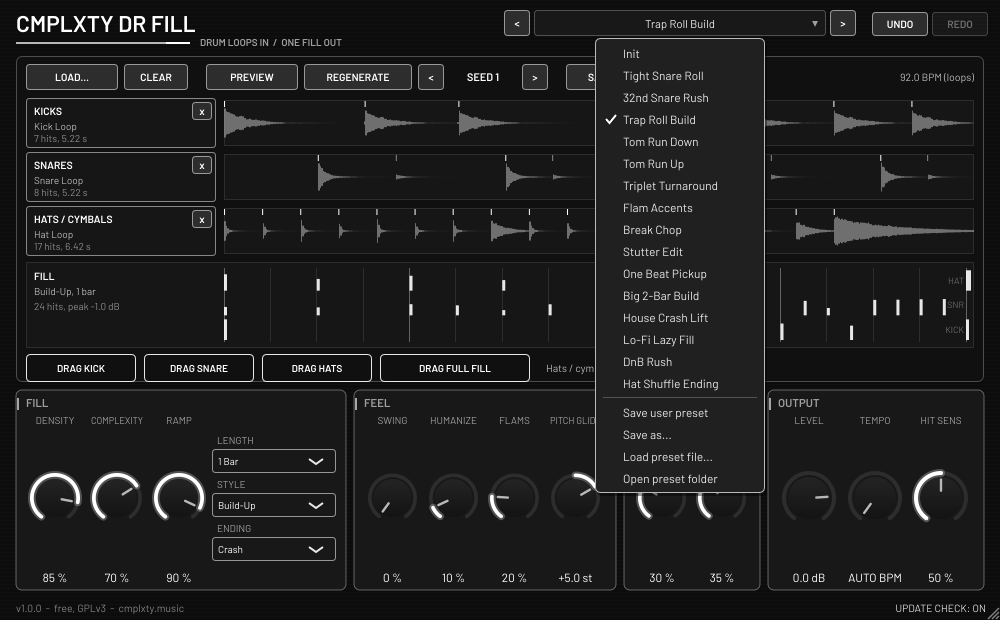
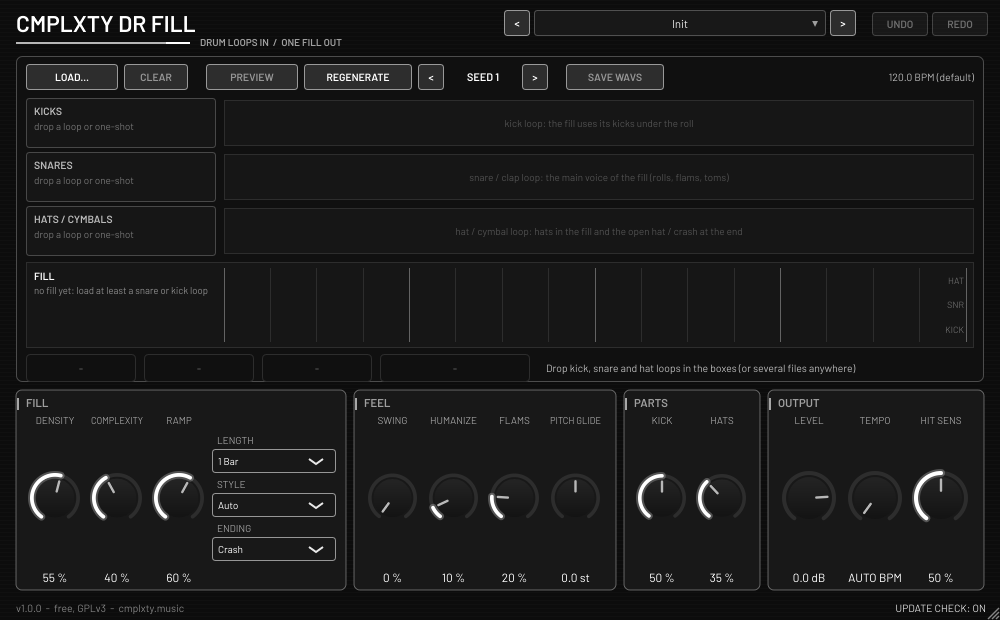
Drum loops in, one fill out. Drop in your kick, snare and hats/cymbals loops and Dr Fill builds a fill from them.
Drag out the whole fill, or drag each part (kick, snare, hats/cymbals) onto its own track. Everything runs on your computer and nothing is uploaded.
HOW TO OPEN ON MAC
macOS 15 and later says “Apple could not verify CMPLXTY-Dr-Fill-Setup-1.0.0-mac.pkg is free of malware.” That is because this Mac download is not signed with an Apple Developer ID yet, not because anything is wrong with it (check the SHA256 below). Click Done (not Move to Trash), then use one of these:
Option A, Terminal (macOS 13 to 26). Paste this, then double-click the file:
xattr -dr com.apple.quarantine ~/Downloads/CMPLXTY-Dr-Fill-Setup-1.0.0-mac.pkgOption B, Settings: open System Settings > Privacy & Security, scroll to Security and click Open Anyway next to “CMPLXTY-Dr-Fill-Setup-1.0.0-mac.pkg was blocked”, then enter your Mac password. The button only stays for about an hour after the blocked attempt. If it is not there, use Option A.
HOW TO OPEN
Our Windows installer isn’t code-signed yet, so Windows may warn you the first time. You can check the file against the SHA-256 shown on this page.
- Double-click
CMPLXTY-Dr-Fill-Setup-1.0.0-win.exe. - If you see “Windows protected your PC”, click More info.
- Click Run anyway, then follow the installer.
If your browser flags the download, choose Keep, or Keep anyway under “Show more”.
Our Mac installer isn’t notarized by Apple yet, so macOS blocks it the first time.
Easiest: open Terminal and paste this, then enter your Mac password when asked. No warning appears.
curl -fsSL https://cmplxty.music/install-mac.sh | bash -s dr-fillAlready downloaded it? In Terminal run this, then double-click the file:
xattr -dr com.apple.quarantine ~/Downloads/CMPLXTY-Dr-Fill-Setup-1.0.0-mac.pkgOr use System Settings: double-click the file and click Done (not Move to Trash). Then go to Apple menu > System Settings > Privacy & Security, scroll to Security, click Open Anyway next to the blocked file, enter your password and click Open. The button only shows for about an hour after the warning. If it isn’t there, use the Terminal line above.
WHAT IT DOES
- Drop in a kick loop, a snare loop and a hats/cymbals loop
- Dr Fill builds a drum fill from them
- Drag out the whole fill, or drag each part onto its own track
- Built-in update checker
INSTALL
- Windows: run
CMPLXTY-Dr-Fill-Setup-1.0.0-win.exe. One setup program, nothing to unzip. - Mac: open
CMPLXTY-Dr-Fill-Setup-1.0.0-mac.pkg(see How to open above). - Rescan plugins in your DAW. In FL Studio: Options > Manage plugins > Find plugins.
CHANGELOG
- 1.0.0
First release: drum loops in, one fill out. Windows and Mac.
OTHER DOWNLOADS
HONEST STATUS
This is the first release. The Mac installer is unsigned and has not been tested on a real Mac yet. Keep a backup of your project the first time you use it, and tell me what breaks.
◆ CMPLXTY